The Last Compact
#007A first-person interactive narrative installation on memory, debt, and entropy — an infinite corridor of memory chambers whose ending is driven by a model of the protagonist's psychological state.
- Année
- 2026
- date
- 2026.02 – 2026.04
- dimension
- 1920×1080
- media
- Unity / C# / Photoshop / Illustrator / Blender
- subtitle
- First-Person Narrative Exploration
A — PROJECT OVERVIEW
A first-person narrative installation on memory, debt and entropy. Built in Unity with URP: an infinite corridor of memory chambers where the path and the ending are driven by a mathematical model of the protagonist’s psychological state.
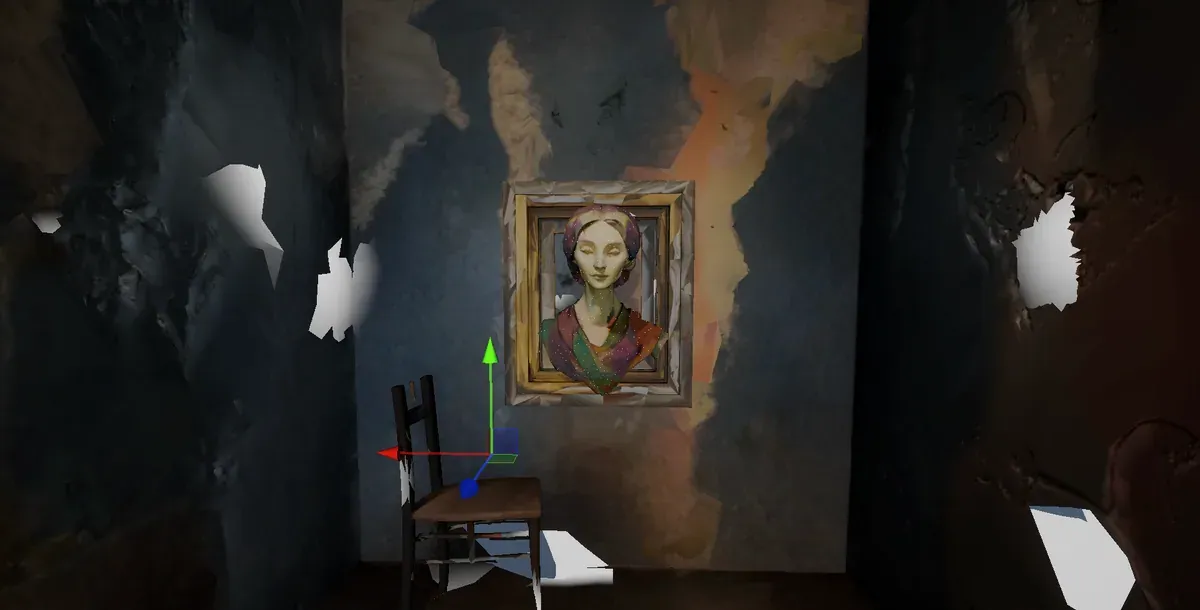
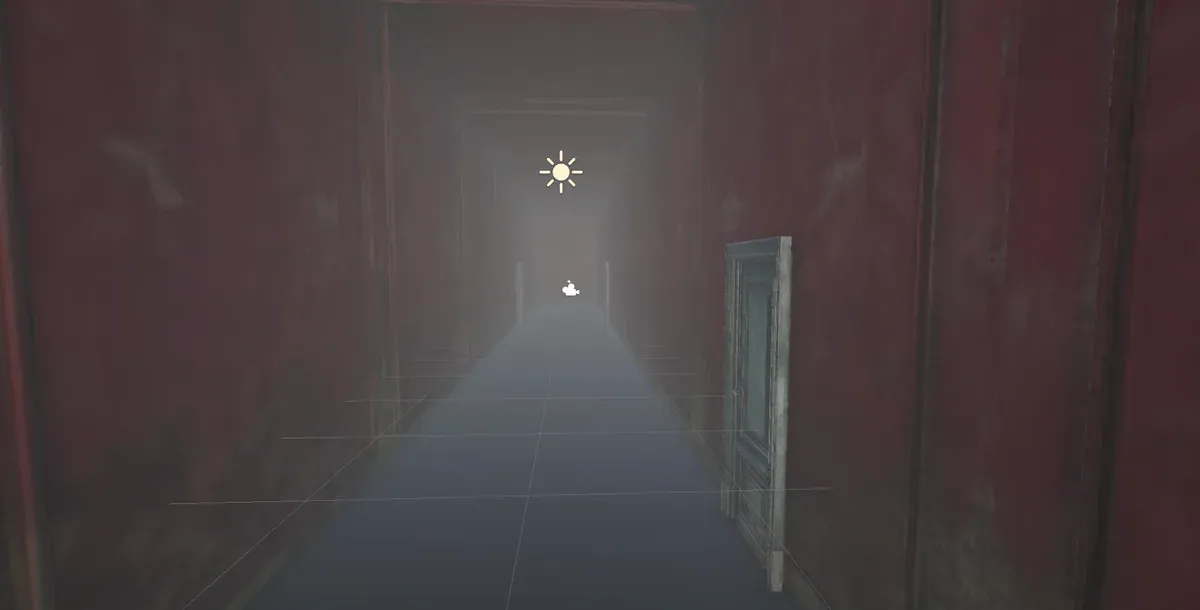
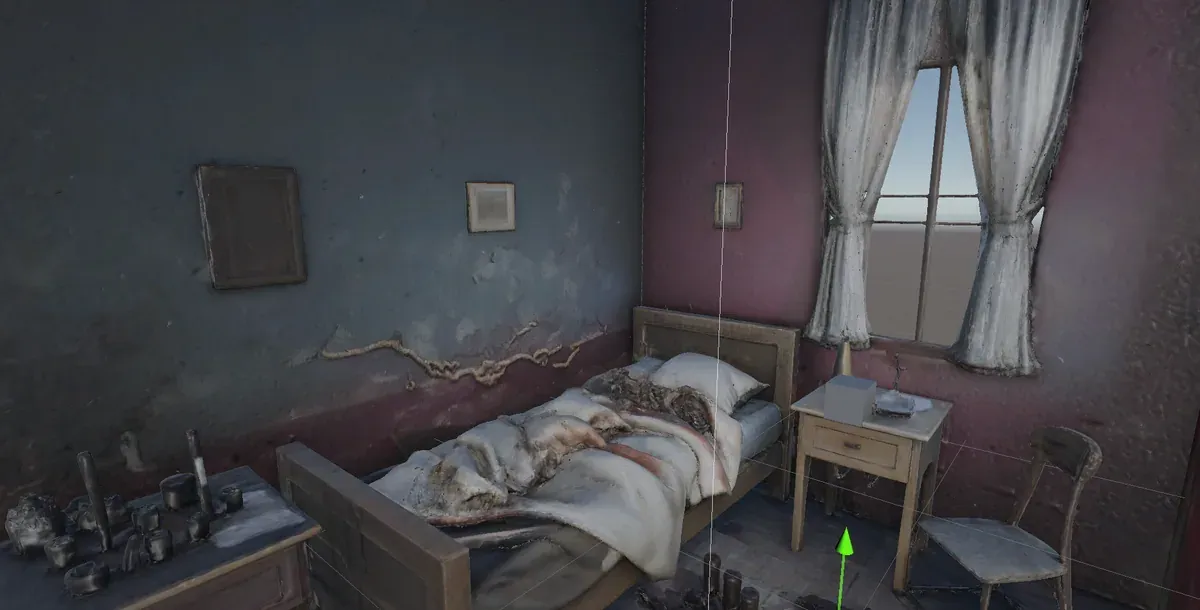
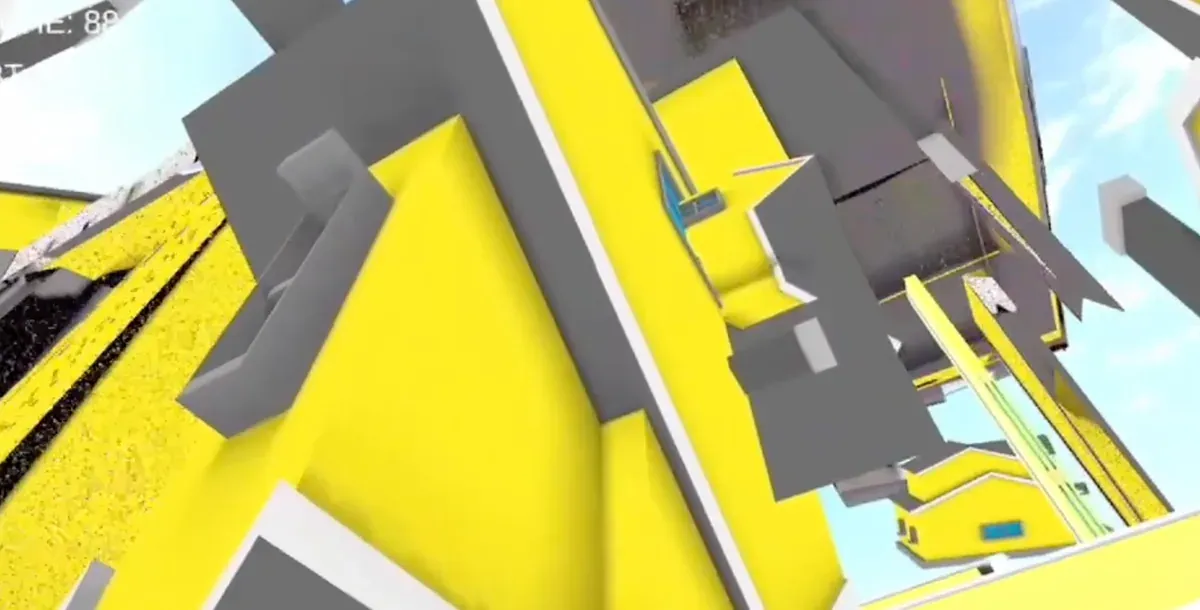
B — GAMEPLAY FLOW
A prologue leads into the corridor. Six memory chambers across two phases, fragments collected toward a final judgment, ending in one of three states: Stable, Unstable, Collapse.
+ voiceover
cinematic
letter
enabled
C — TECHNICAL BREAKDOWN
Layered and event-driven. All game data lives in ScriptableObject assets — no hardcoding. Systems talk through a static event bus, so no script references another directly, and every component stays independently testable and swappable.
ScriptableObject assets — no hardcoding
DontDestroyOnLoad — persistent across scenes
in — OnSceneEventTriggered
out — OnNarrationEnded
No script directly references another
D — 400 HOUSES, ONE FLOAT
Room 1 melts a suburb. Twenty by twenty, four hundred houses, each sagging and dripping on its own schedule so the street doesn’t collapse in military formation.
The obvious way to build that is a script on every house: read a timer, offset it by a
random number, push the value into the material. It works, and it costs four hundred
Update() calls and four hundred material instances — anything that writes to
material.SetFloat gets its own copy of the material, and nothing batches.
So the timing moved out of C# and into the vertex shader. One director script pushes a single global float:
Shader.SetGlobalFloat(GlobalMeltProgressID, progress); // 0 → 1 over 8 secondsEvery house reads that same float, then works out its own delay by hashing where it stands:
float3 objCenter = TransformObjectToWorld(float3(0, 0, 0));
float randomVal  = frac(sin(dot(objCenter.xyz, float3(12.9898, 78.233, 45.164))) * 43758.5453);
float delay      = randomVal * 0.5;                   // up to 50% late
float localProgress = saturate((_GlobalMeltProgress - delay) / (1.0 - delay));
The hash is deterministic, so a house at a given coordinate always melts at the same moment. The randomness is stable across runs and costs nothing to store.
Deformation is four octaves of value noise driving outward bulge, downward drip and sway.
Dissolve is the same noise thresholded against progress, with an edge glow that burns off
at the boundary. The grid itself stays tunable — rows, cols and spacing are fields, so
the street can be re-scaled without touching the shader.
The melt is also scrubbable in the Editor. MeltController runs under [ExecuteAlways]
with a debugProgress slider, so the whole street can be posed at 40% melted without
entering Play mode. That is how the timing curve actually got tuned.
Four hundred separate renderers are still four hundred renderers, so the room ships with a
small editor tool — Tools → Combine Selected Meshes into One. Select the Houses root
and it groups every child by material, welds each group into one mesh, writes it out as a
.asset and rebuilds the hierarchy as static geometry.
Three decisions in it are worth naming, because they are the difference between a script that works once and a tool someone else can use:
IndexFormat.UInt32Undo.RegisterCreatedObjectUndoE — SEE IT IN ACTION
Words and diagrams can only show so much. Watch the full walkthrough to see how it all comes together.